
Cloudbeds Integration Guide
Table of Contents
How to sign up for Siana by Spalopia?
The onboarding process for Siana by Spalopia begins with contracting, for which interested properties should contact sales@spalopia.com.
Subsequently, our dedicated onboarding team fully manages the configuration process.
Once the configuration is finalized, the necessary credentials are provided to the client, and access to the platform is granted upon logging in via the designated URL in the browser.
How to connect Siana by Spalopia with Cloudbeds for the first time?
To connect Siana by Spalopia with Cloudbeds, the property should first contact the Siana by Spalopia support team to request the integration module. This module requires a contract amendment that must be signed before activation.
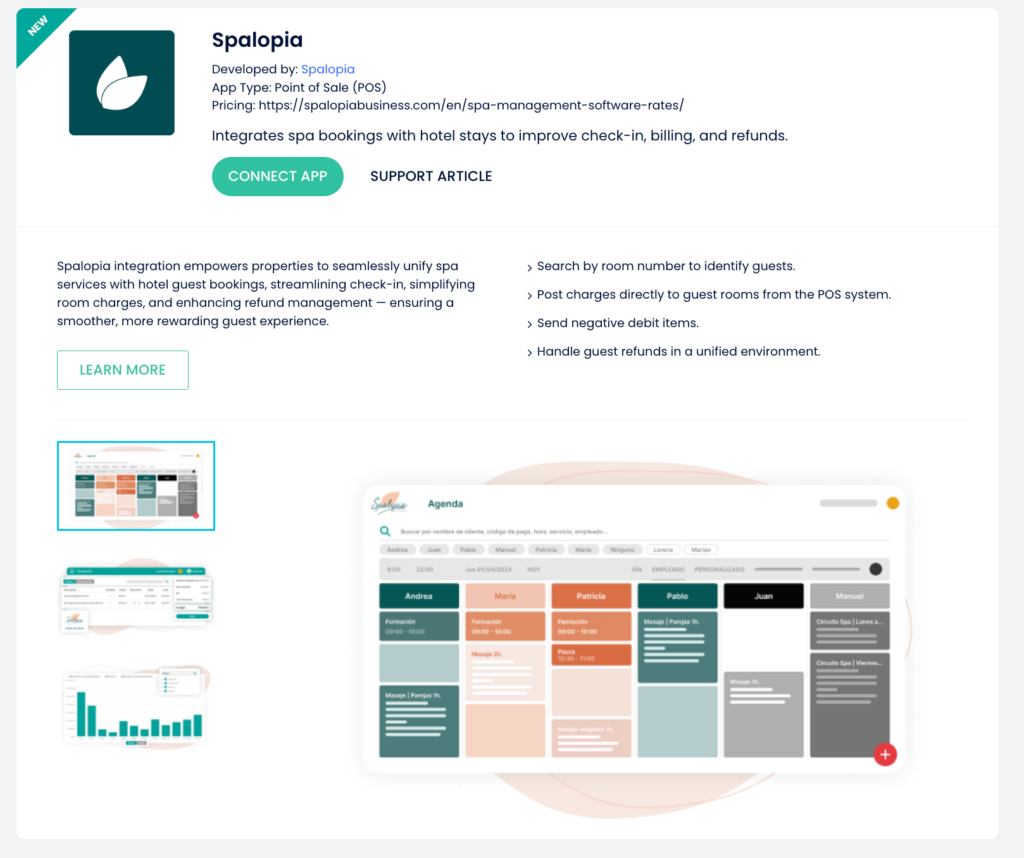
Once the module is enabled, the property connects the app directly from the Cloudbeds Marketplace:
- Open the Cloudbeds Marketplace and find “Spalopia”.
- Click “Connect App”.
- Complete the authorization steps in Cloudbeds.
After the app is connected, our team will reach out with the next steps. The final steps are joint configuration and testing performed between our team and the property to ensure seamless integration.
Specific functionality of the integration
The integration provides essential functionalities, including the ability to search by Room or Reservation, process Room Charges, and manage External Client Charges directly through the system.
How to disconnect the apps?
Disconnecting the application is a manual process. The client is required to contact support to request the discontinuation of the service. This request must be submitted at least 30 days prior to the desired termination date.
Once ready to stop the service, you can find instructions on disconnecting on the Cloudbeds side here: Disconnect app article.
How to get support?
For any support inquiries, please contact us at soporte@spalopia.com.